Products · free & privateDesktop only
AZ Video Editor
A full private video editor in your browser: timeline editing, local AI captions, color grading, motion graphics and export — no upload required.
- Files never leave your device
- Free & unlimited, no watermarks
- No sign-up, no queues
What you get
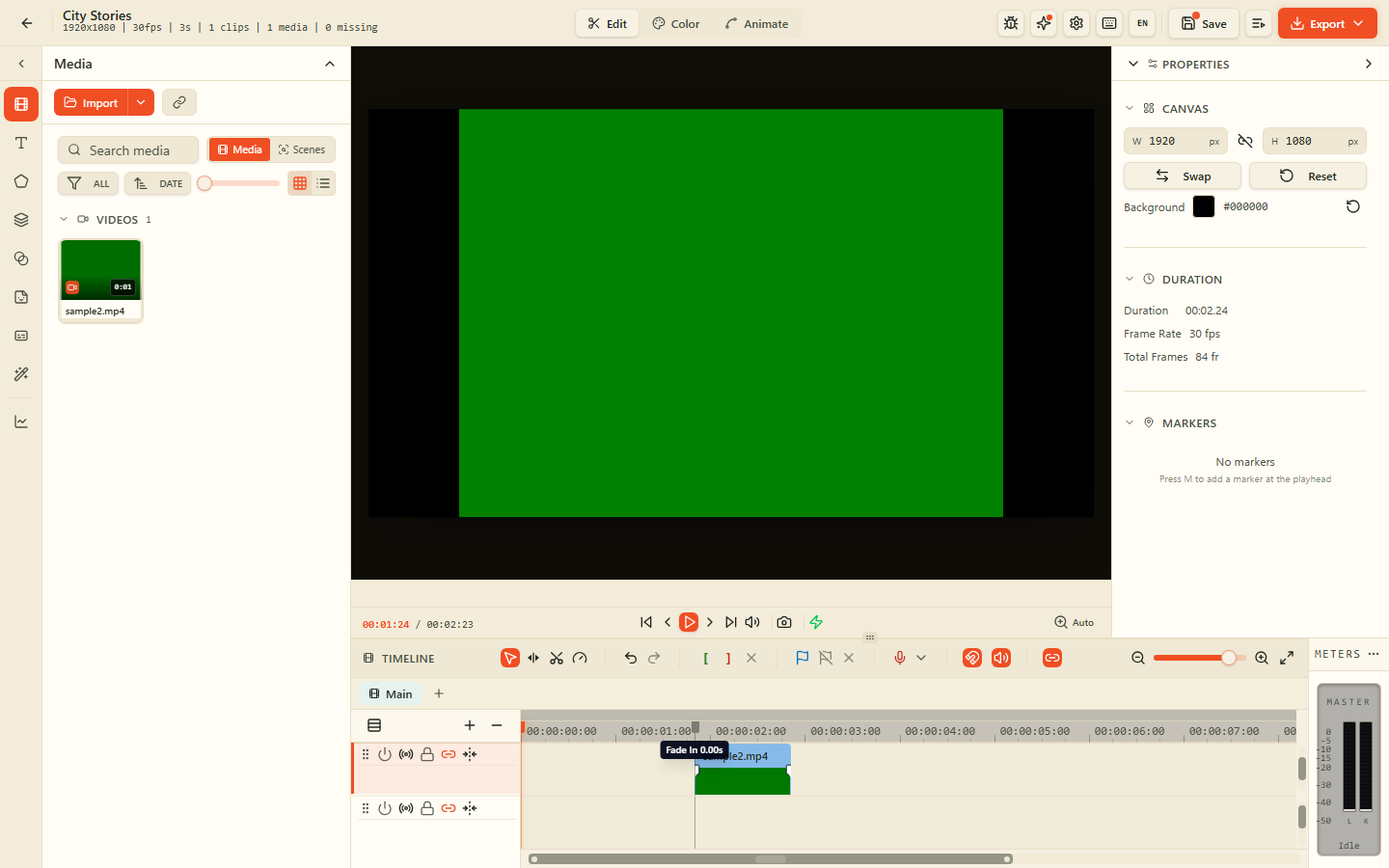
6 · Video EditorArrange video, audio, images, text and shapes on frame-accurate tracks with ripple, razor and snap.
Generate subtitles with a local Whisper model, edit timing, style text and burn them in — all offline.
Lift, gamma, gain, curves, white balance and custom LUTs for cinematic looks in the browser.
Keyframe position, scale, rotation and opacity; animate text and shapes with easing curves.
Blur, chroma key, masks, blend modes, transitions and real-time effects accelerated by WebGL.
Workspace folder on your disk. Your media, projects and rendered exports never leave your device.
Gallery
Arrange video, audio, images, text and shapes on frame-accurate tracks with ripple, razor and snap.
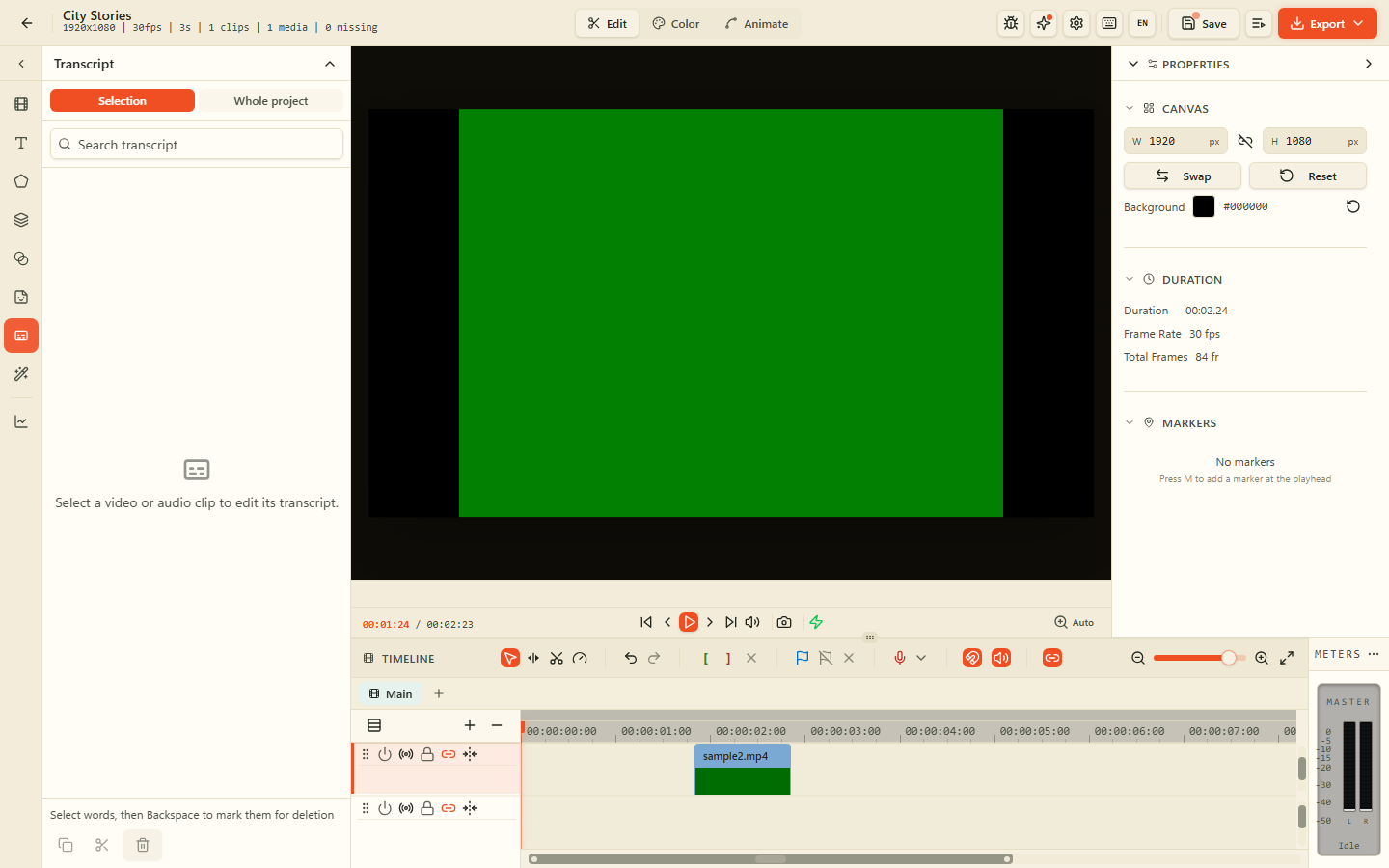
Generate subtitles with a local Whisper model, edit timing, style text and burn them in — all offline.
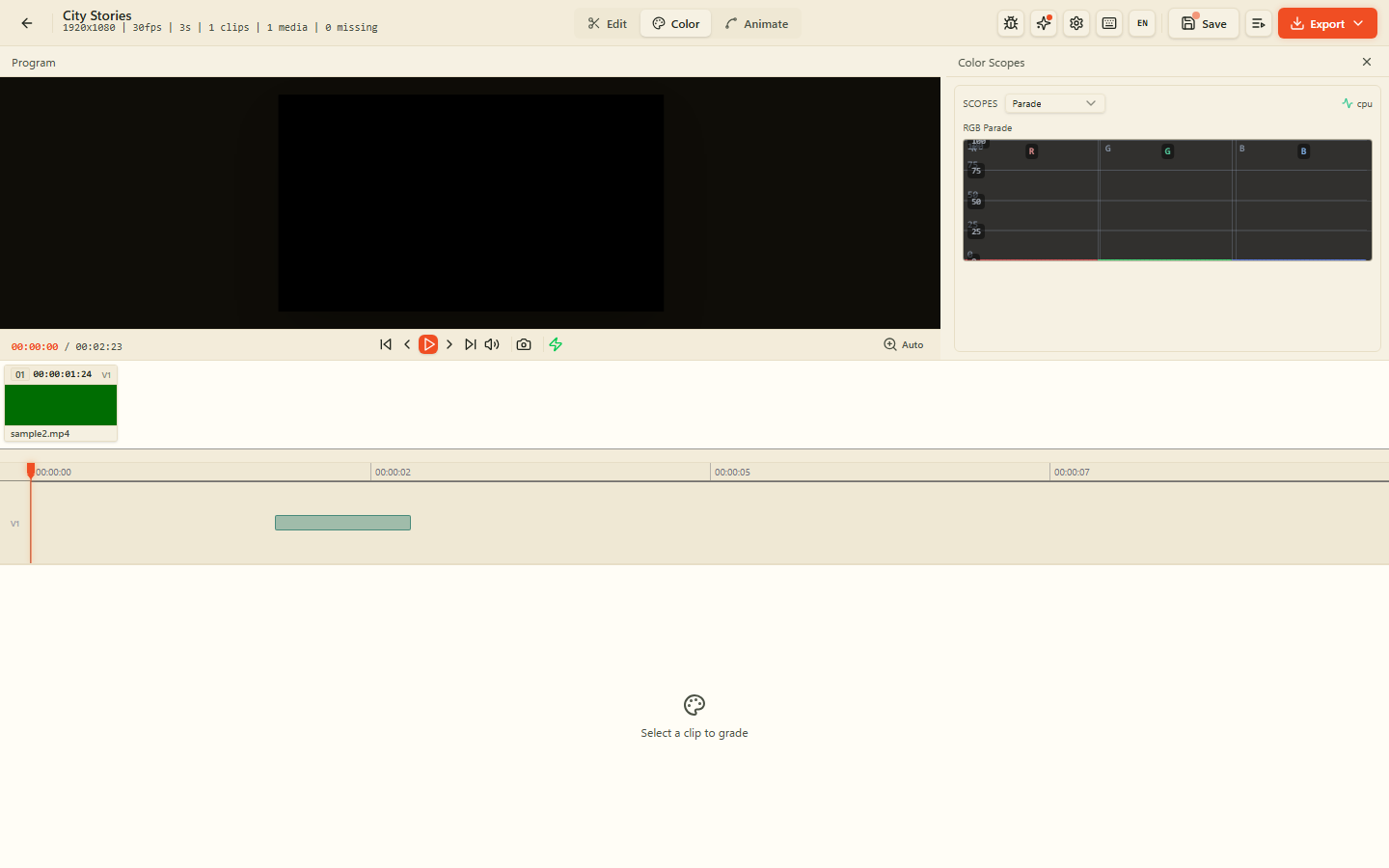
Lift, gamma, gain, curves, white balance and custom LUTs for cinematic looks in the browser.
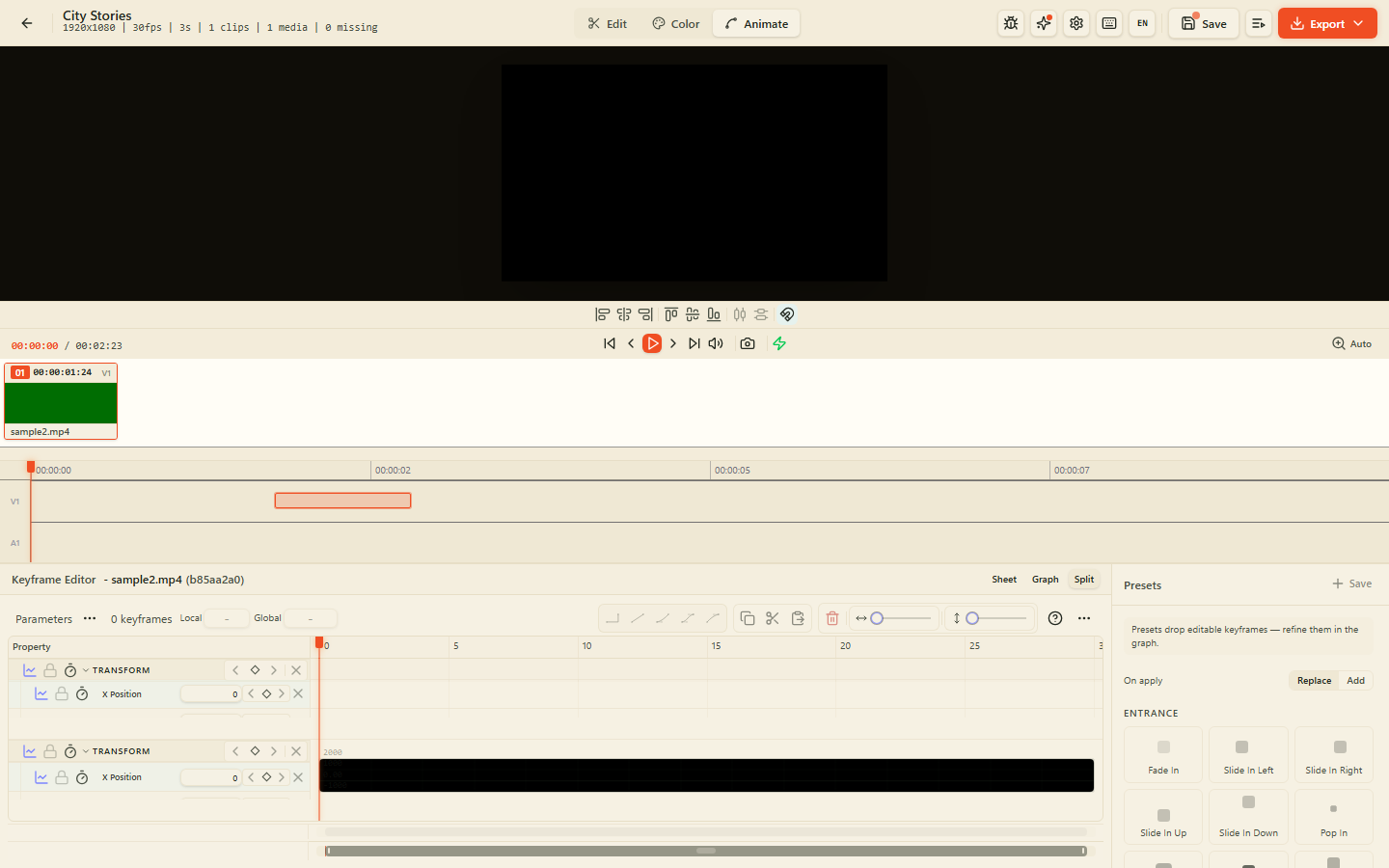
Keyframe position, scale, rotation and opacity; animate text and shapes with easing curves.
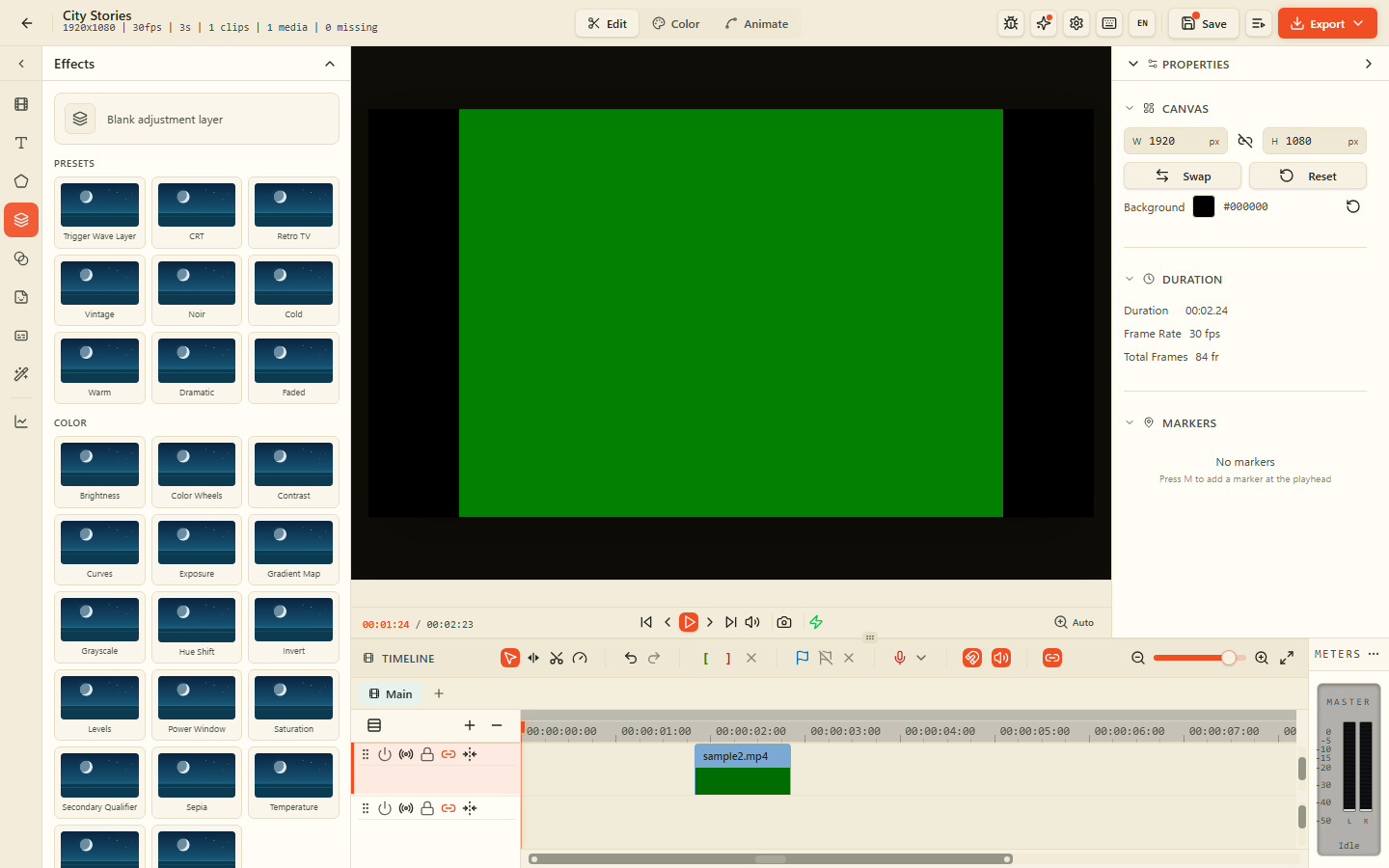
Blur, chroma key, masks, blend modes, transitions and real-time effects accelerated by WebGL.
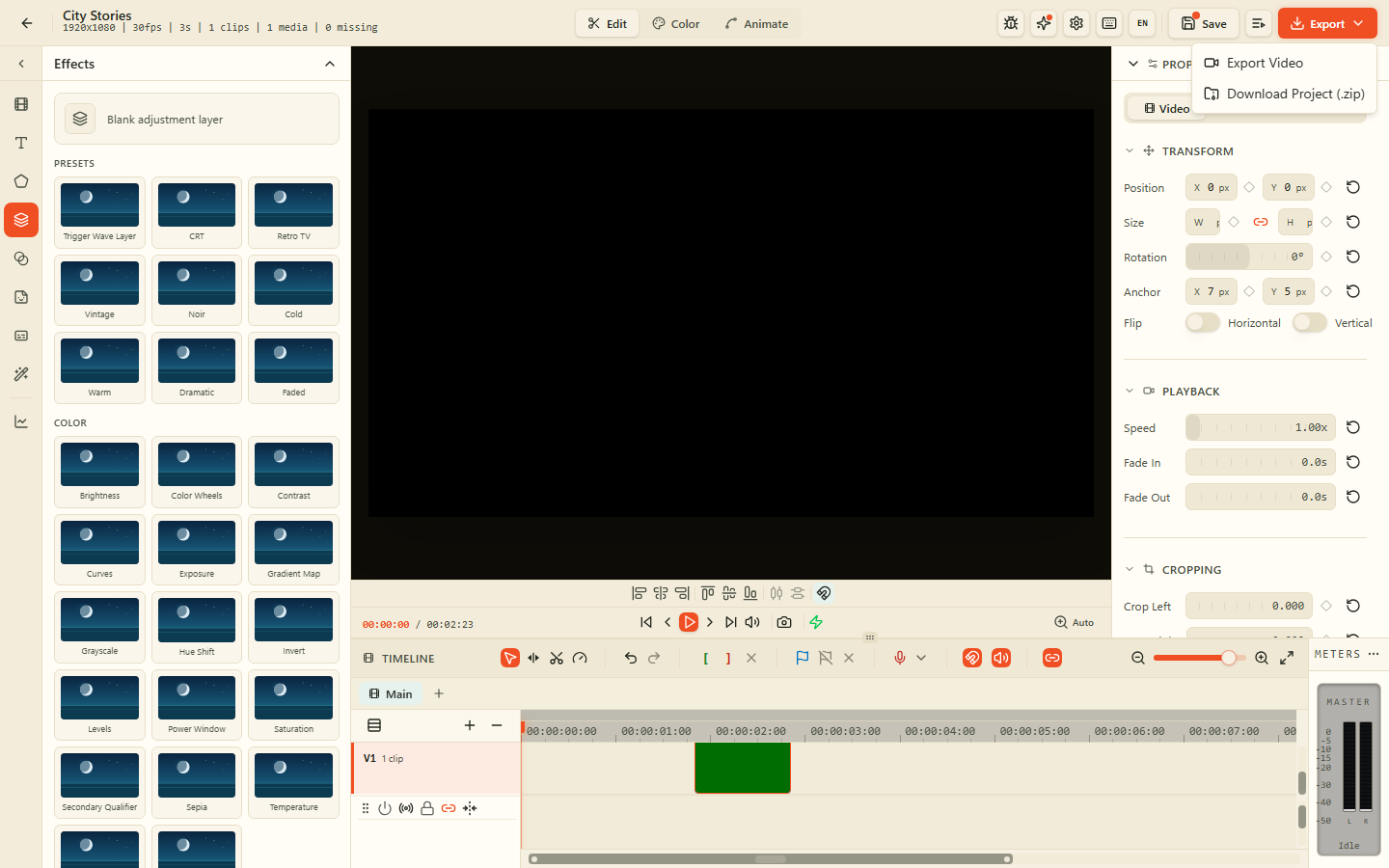
Workspace folder on your disk. Your media, projects and rendered exports never leave your device.
Why Video Editor on AZ Tooling?
AZ Video Editor is a full multitrack product: open the app, pick a local workspace folder, create or open a project, then edit on a timeline with preview, effects and export.
Everything stays on your device. Projects and media live in a folder you control via the browser File System Access API. Export when you are ready: nothing is uploaded.
Frequently asked questions
How do I start?
Open the product, click Open Video Editor, choose a workspace folder when asked, then create or open a project from the library.
Are my videos uploaded?
No. Decode, timeline edit, effects and export run locally in your browser. Files stay in the workspace folder you pick.
Which browser do I need?
A Chromium-based browser (Chrome, Edge, Brave, Arc) is required for the workspace folder File System Access API.
Can I still use the separate video tools?
Yes. Conversion, compression, trim, crop and captions tools remain available as individual tools for quick jobs.
More products
Sign, fill and annotate PDFs: draw or type your signature, add text, dates and checkmarks, all on your device.
Scan paper documents with your camera and turn them into clean, searchable PDFs, right in your browser.
Remove image backgrounds in seconds and download a transparent PNG, with every pixel processed on your device.
Turn scans, screenshots and photos into editable text without sending the document to a server.
Multitrack timeline, mixer and FX in your browser: arrange clips, record, denoise and export privately.