Produits · gratuits et privésOrdinateur uniquement
AZ Audio Editor
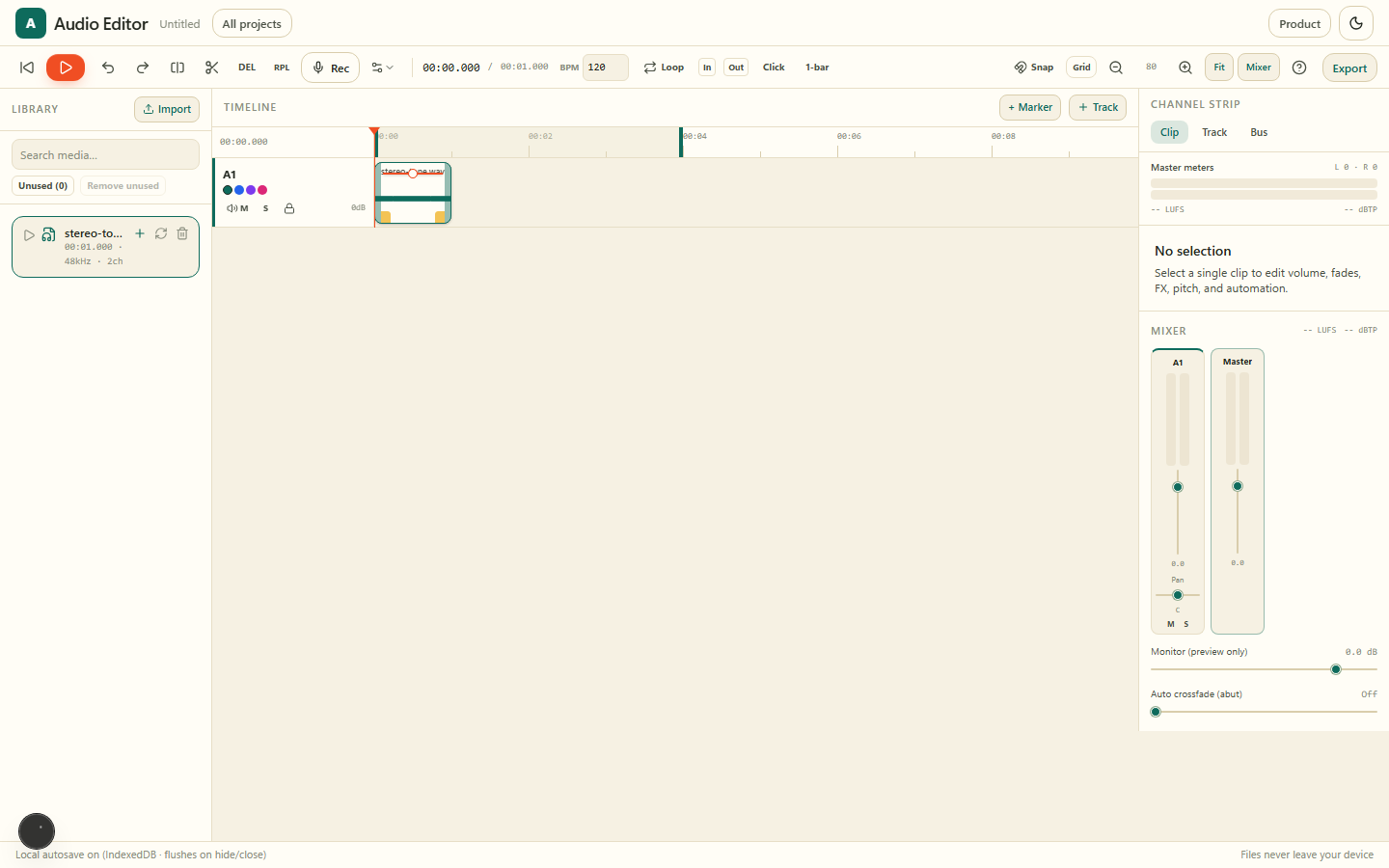
Timeline multipiste, mixeur et FX dans le navigateur : arrangez, enregistrez, débruitez et exportez en privé.
- Vos fichiers ne quittent jamais votre appareil
- Gratuit et illimité — sans filigrane
- Sans inscription ni file d’attente
Ce que vous obtenez
6 · Audio EditorCréez, ouvrez, renommez, dupliquez, importez et exportez des projets stockés uniquement dans ce navigateur.
Disposez des clips sur plusieurs pistes avec snap, razor, fades et marqueurs.
Faders, panorama, mute/solo, EQ, compresseur, inserts et limiteur master.
Nettoyez mémos vocaux et enregistrements avec un débruitage spectral ou IA.
Capturez de nouvelles prises depuis le micro sur une piste, puis éditez et composez.
Mix WAV, MP3 ou AAC, stems par piste ou pack projet complet — tout en local.
Galerie
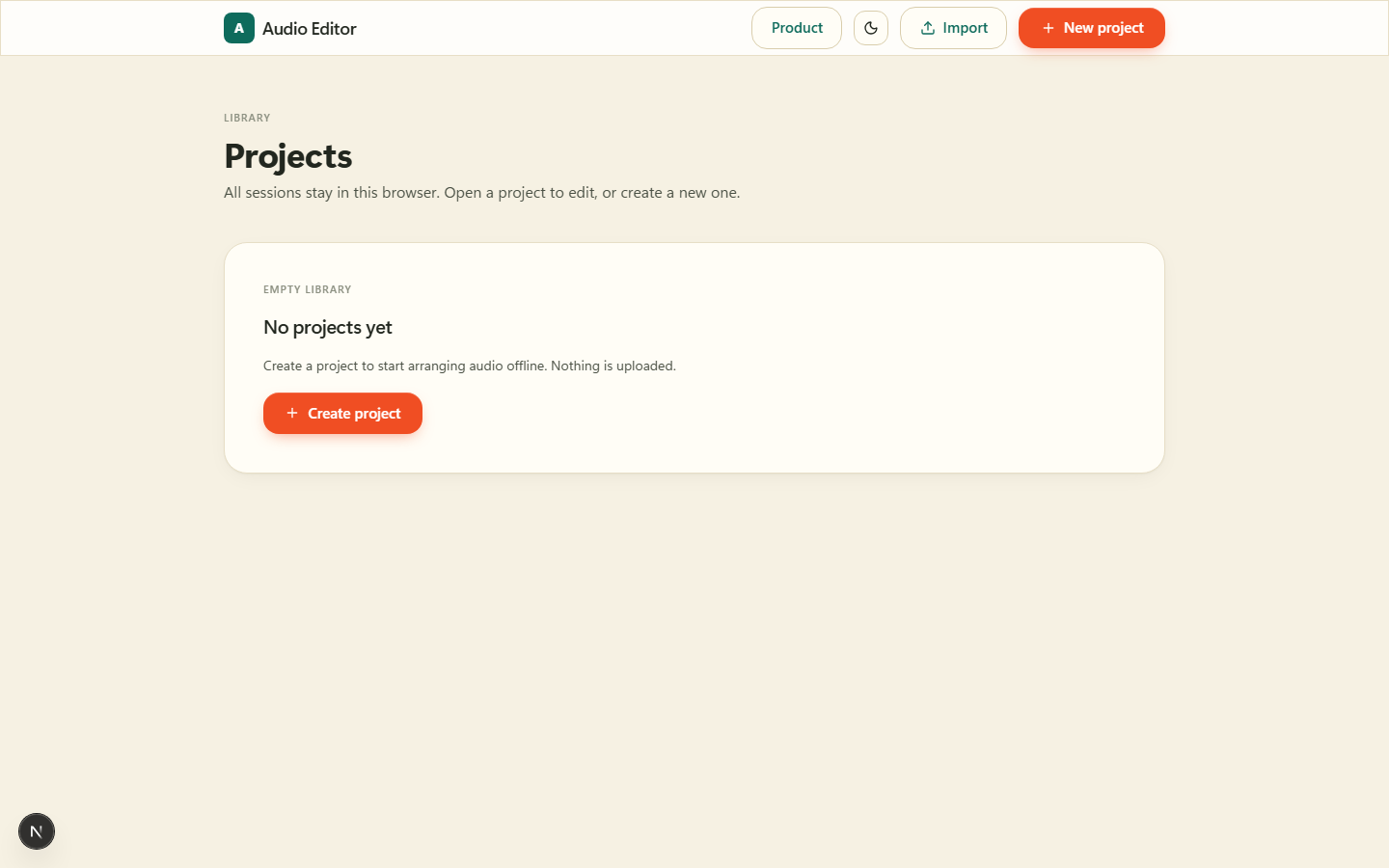
Créez, ouvrez, renommez, dupliquez, importez et exportez des projets stockés uniquement dans ce navigateur.
Disposez des clips sur plusieurs pistes avec snap, razor, fades et marqueurs.
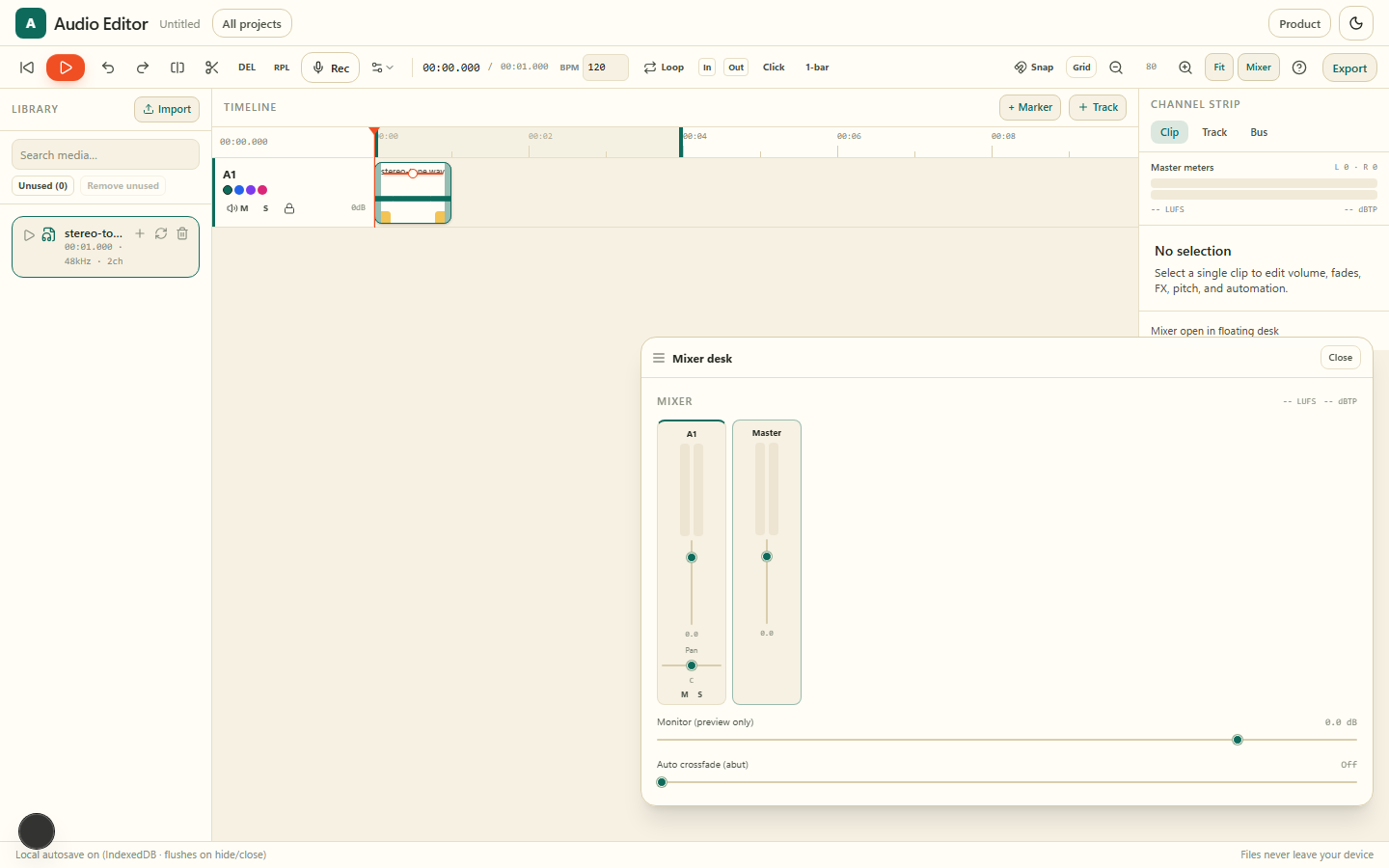
Faders, panorama, mute/solo, EQ, compresseur, inserts et limiteur master.
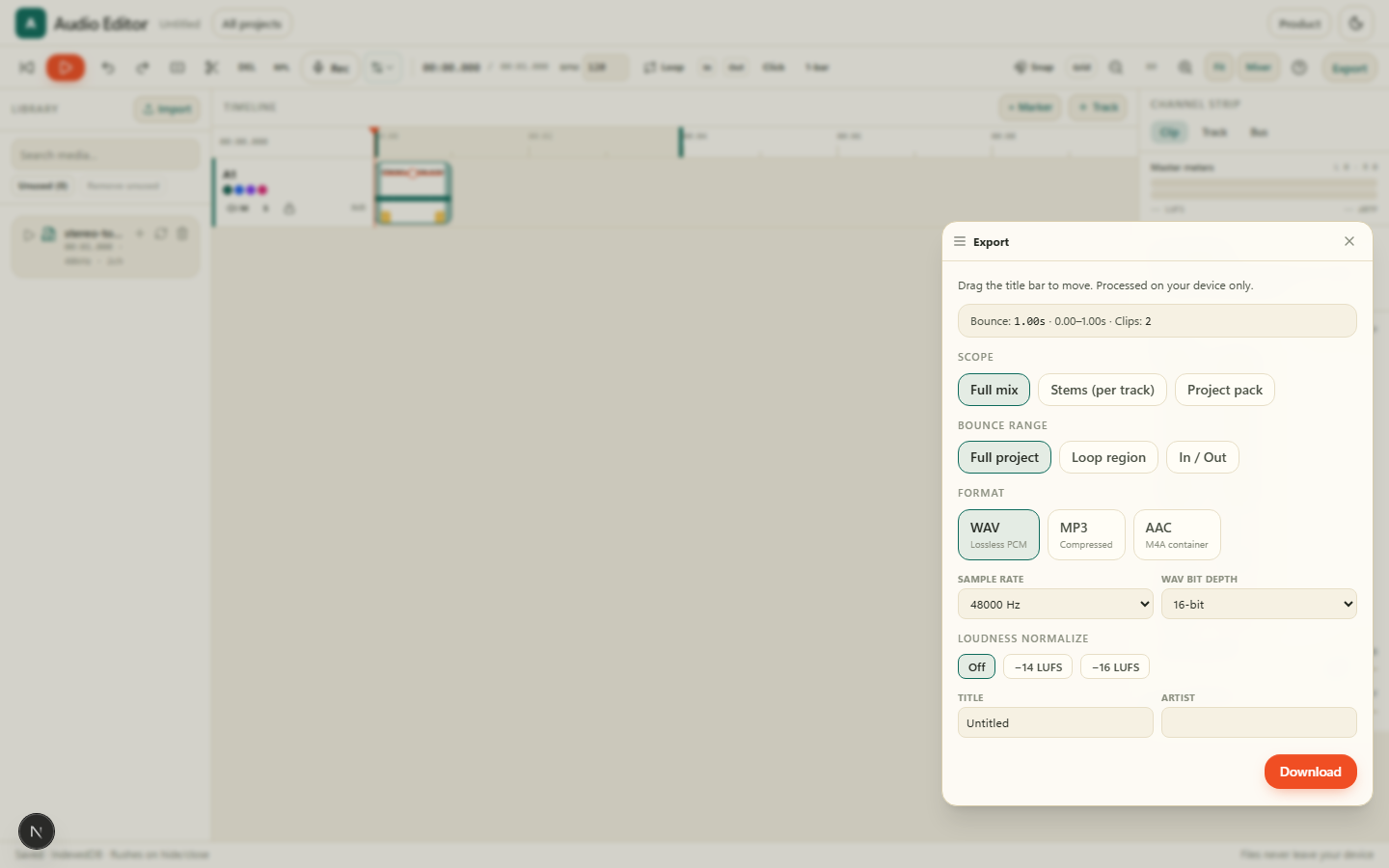
Mix WAV, MP3 ou AAC, stems par piste ou pack projet complet — tout en local.
Pourquoi Audio Editor sur AZ Tooling ?
AZ Audio Editor est un produit multipiste complet : ouvrez l’app, créez ou ouvrez un projet dans le catalogue local, puis éditez sur la timeline avec mixeur, FX et export.
Tout reste sur votre appareil. Les projets s’enregistrent dans ce navigateur (IndexedDB). Exportez un mix, des stems ou un pack projet quand vous voulez.
Questions fréquentes
Comment commencer ?
Ouvrez le produit, lancez l’éditeur audio, créez ou ouvrez un projet dans le catalogue, puis montez sur la timeline.
Mes fichiers sont-ils envoyés ?
Non. Décodage, mixage, effets et export s’exécutent entièrement dans votre navigateur.
Où sont stockés les projets ?
Uniquement dans ce navigateur (IndexedDB). Exportez un pack projet pour une sauvegarde.
Plus de produits
Signez, remplissez et annotez des PDF : dessinez ou tapez votre signature, ajoutez texte, dates et coches, le tout sur votre appareil.
Numérisez des documents papier avec votre appareil photo et transformez-les en PDF propres et consultables, directement dans votre navigateur.
Supprimez l’arrière-plan de vos images en quelques secondes et téléchargez un PNG transparent, chaque pixel étant traité sur votre appareil.
Transformez numérisations, captures d’écran et photos en texte modifiable sans envoyer le document à un serveur.
Éditeur vidéo privé dans le navigateur : timeline, sous-titres IA locaux, étalonnage, motion graphics et export — sans envoi.